Payment guide
How to Use WeChat Pay in China as a Foreigner
A practical guide to using WeChat Pay as a foreign visitor, including setup expectations, QR payments, mini programs, restaurants, taxis, and backups.
Last updated: July 13, 2026
Payment guidance last verified: July 13, 2026
4 min read

Important notice
WeChat and WeChat Pay screens, verification, supported cards and mini-program access can change. Confirm the current setup inside the official app and keep Alipay, cash and a physical card as backups.
Quick answer
Foreign visitors should treat WeChat Pay as an important backup wallet and mini-program tool. Set it up before relying on it, test a small transaction, and keep Alipay, cash, and a physical card ready because account and card verification can vary.
Who this guide is for
- Visitors who already use WeChat or want a backup to Alipay.
- Travelers who may need restaurant, attraction, transport, or hotel mini programs.
- Foreign visitors who want realistic expectations about WeChat Pay setup friction.
Why WeChat is useful even if WeChat Pay fails
Setup friction warning
WeChat and WeChat Pay can be powerful, but setup may be less predictable for foreign visitors than a simple travel app.
Payment backup role
Mini programs explained
Mini programs are lightweight services inside WeChat. They can handle restaurant queues, attraction reservations, ride-hailing, hotel services, and local transport, but they may be Chinese-first and sometimes hard for passport users.

Step-by-step guide
- Install WeChat and complete account setup before travel where possible.
- Try to activate WeChat Pay and add a supported card.
- Test a small purchase before depending on WeChat Pay for restaurants, taxis, or mini programs.
- Use WeChat Pay where a restaurant, local service, or mini program works better through WeChat.
- Keep Alipay as your main travel wallet if it is working more smoothly.
- Save checkout phrases in Chinese in case a cashier needs to switch payment flows.
Common mistakes
- Relying on WeChat Pay as the only payment method before testing it.
- Forgetting that some setup steps may require verification.
- Trying to solve account issues at a busy restaurant counter.
- Not having Alipay or cash ready as a fallback.
Troubleshooting
- If WeChat Pay will not activate, use Alipay and revisit setup on hotel Wi-Fi.
- If a merchant QR fails, ask whether they can scan your payment code.
- If card verification fails, try another card or contact your bank.
- If a mini program is confusing, ask hotel staff or use a simpler restaurant or service.
Backup plan
- Use Alipay as the primary wallet if it works and WeChat Pay does not.
- Keep WeChat installed for messaging, QR scanning, and mini programs even if payment is unavailable.
- Carry cash for taxis, late arrivals, weak mobile data, and urgent purchases.
- Use hotel staff, a travel platform, or a simple walk-in option when a mini program is too hard to complete.
Useful Chinese phrases
Can I pay with WeChat Pay?
可以用微信支付吗?
Keyi yong Weixin zhifu ma?
Can I use Alipay instead?
我可以改用支付宝吗?
Wo keyi gai yong Zhifubao ma?
I cannot complete verification.
我无法完成验证。
Wo wufa wancheng yanzheng.
First-day checklist
- WeChat opens and account is accessible.
- WeChat Pay setup attempted.
- Payment code location is known.
- Alipay and cash backup ready.
- Hotel address saved in Chinese.
Use WeChat Pay as a strong backup
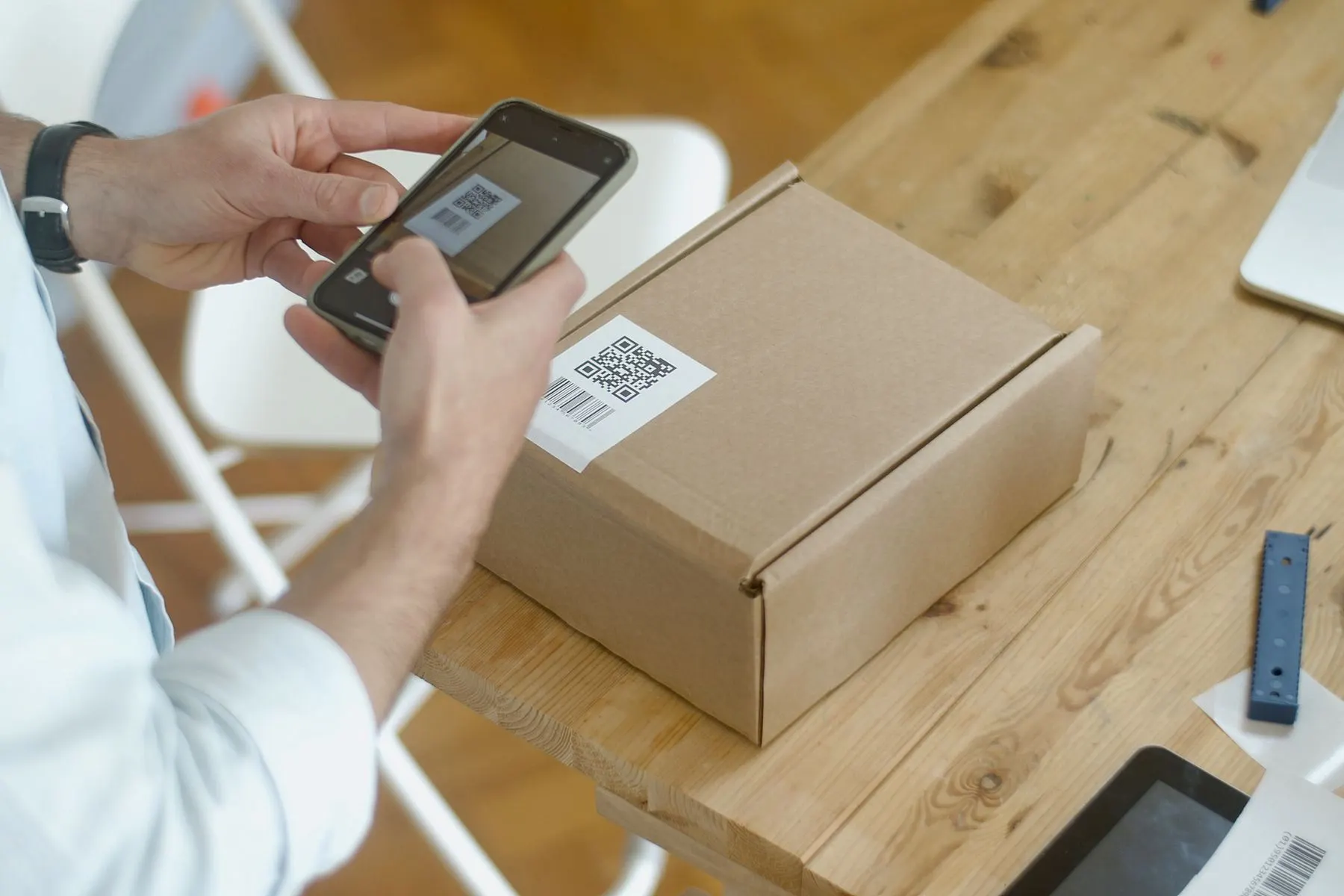
WeChat Pay is useful for payments, mini programs, local contacts, and some restaurant or service flows. For many first-time visitors, Alipay is still the easier main wallet, while WeChat Pay is a valuable backup if your account and card setup work smoothly.
Where WeChat Pay helps
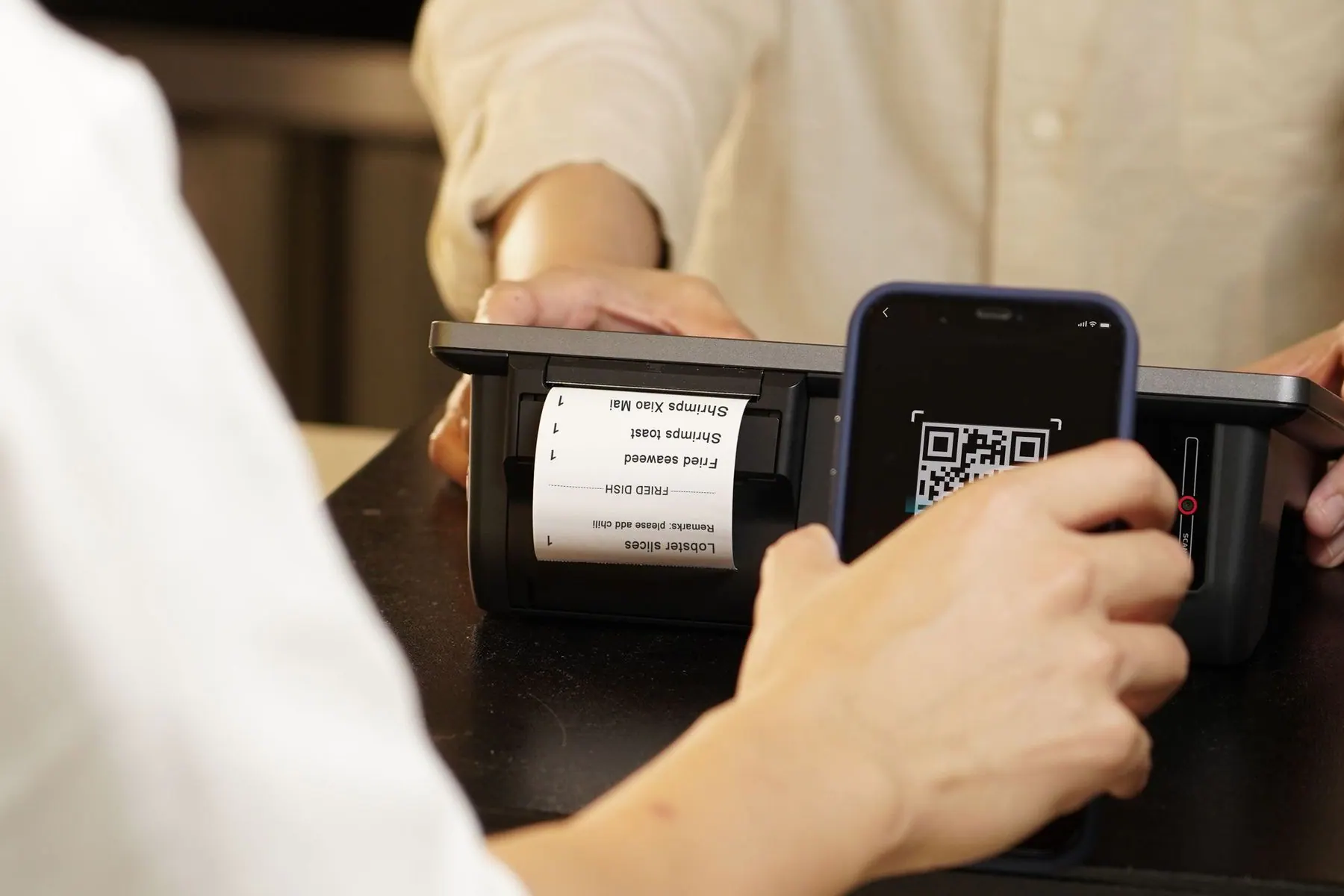
WeChat Pay can be helpful for restaurants that use WeChat mini programs, local service QR codes, some taxis, and situations where a merchant's QR flow works better inside WeChat than inside Alipay.
- Set it up before you need it.
- Test a small purchase before relying on it.
- Keep Alipay, a card, and cash as backups.
Common setup friction
Foreign phone numbers, card verification, identity prompts, or account security checks can slow setup. Do not make WeChat Pay your only payment plan until you have tested it in China.
Official resources to verify
Next step
Turn this guide into a working trip plan
View the Payment & Apps Setup Guide
Get printable WeChat Pay backup, Alipay primary setup, troubleshooting, and phrase card pages.
Use Essential Apps Checklist
Check whether your payment, translation, maps, train support, and offline backups are ready.