Apps guide
Best Apps for Traveling in China
The essential apps for maps, translation, mobile payment, ride-hailing, trains, restaurants, and staying connected.
Last updated: July 13, 2026
App guidance last verified: July 13, 2026
4 min read

Important notice
App availability, foreign-number registration, identity checks, map coverage and interface labels can change by device and account. Install only the tools your route needs and verify them shortly before travel.
Quick answer
The essential China app stack is payment, maps, translation, ride-hailing, train support, and offline backups. Do not download every app you see on social media. Instead, install a small core set, log in before departure, save Chinese addresses, and test payment, maps, and translation before your first full sightseeing day.
Who this guide is for
- First-time visitors who want a small, reliable app stack instead of a phone full of unused downloads.
- Travelers who need payment, maps, translation, taxis, train support, mobile data, and offline backups ready before arrival.
- Visitors who do not read Chinese and need to know which apps are essential, useful later, or optional.
- Travelers who want to avoid app login, SMS, payment, and map problems on arrival day.
App stack summary
Build the app stack around first-day jobs: pay, navigate, translate, call a ride, check train details, stay online, and recover if data or login fails.
Must-have before arrival
Useful after arrival
Optional / advanced
Step-by-step guide
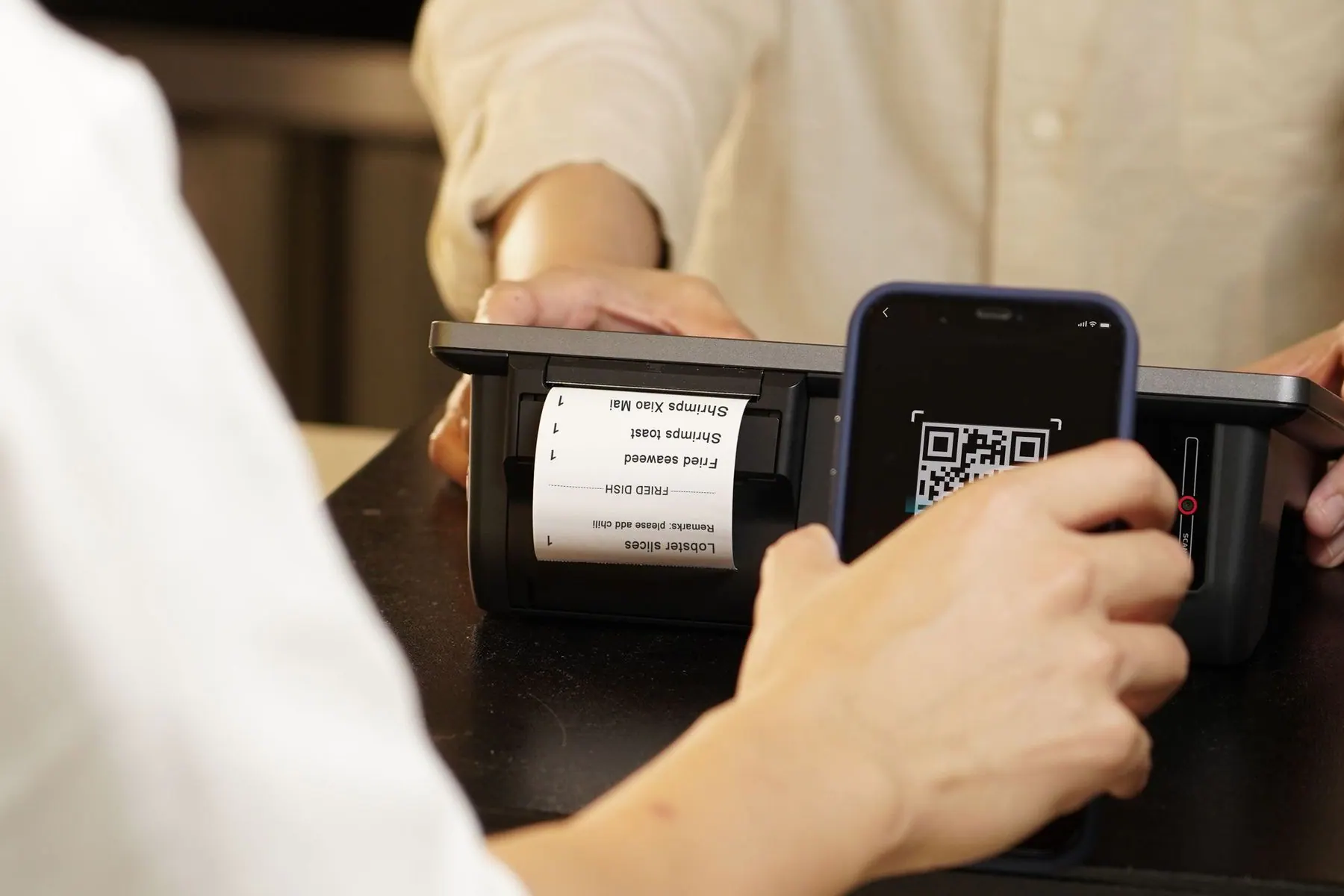
- Start with payment: install Alipay and WeChat, then add cards and test login stability. These two apps also unlock useful mini programs for ride-hailing, restaurants, attraction booking, and local services.
- Choose your map setup before arrival. Apple Maps can be approachable for many foreign visitors; Amap and Baidu Maps have stronger local detail but more Chinese-language friction.
- Install a translation app with offline Chinese support and camera translation. Download the language pack before your flight so menus, signs, and hotel conversations do not depend entirely on mobile data.
- Prepare ride-hailing through DiDi or a DiDi mini program inside Alipay. Test whether you can open the service, set a destination, and recognize pickup point names before using it late at night.
- For high-speed trains, save booking confirmations and passport-linked ticket details as screenshots. Station Wi-Fi, app logins, and roaming can be unreliable exactly when you need the information.
- Create an offline folder with Chinese hotel addresses, passport copy, insurance, emergency contacts, flight and train details, and screenshots of attraction reservations.
- Turn on roaming or install your eSIM/SIM before you need a verification code. Many app problems are actually connectivity problems.
- Keep the home screen simple for the first day: payment, maps, translation, ride-hailing, hotel address, and camera. Add food or ticketing apps only when your route needs them.

Common mistakes
- Downloading too many apps but not logging in before arrival. A phone full of icons is not useful if SMS verification fails after landing.
- Depending on one maps app without checking whether it works well in China. Save hotel and station names in Chinese so you can switch apps or show staff your destination.
- Keeping hotel addresses only in English. Taxi drivers, station staff, and delivery-style pickup points are much easier when the Chinese address is visible.
- Assuming every app will accept foreign phone numbers or cards smoothly. Some services work better through Alipay or WeChat mini programs than as standalone apps.
- Forgetting offline backups. Train station security, basement restaurants, and airport pickup zones are exactly where a screenshot can save time.
- Using a VPN as the answer to every app issue. Local Chinese apps usually do not need one; the problem is often account setup, payment linking, or mobile data.
Troubleshooting
- If SMS verification fails, try Wi-Fi calling, roaming, or another login method before leaving the airport. If it still fails, use screenshots and hotel staff support until you can fix the account calmly.
- If a maps app is confusing, ask your hotel to paste the Chinese place name into your phone. Search results are more accurate with Chinese characters than with translated English names.
- If ride-hailing pickup points are hard to find, move to a hotel entrance, mall gate, station exit, or other named landmark. Drivers and apps work best with precise pickup points.
- If translation audio fails in a noisy restaurant, type a short sentence and show large Chinese text on your screen. Short written requests work better than long spoken explanations.
- If a travel app will not accept your foreign card, try the same service through Alipay or WeChat, use a hotel concierge, or book through a travel platform that already supports your payment method.
- If an app feels overwhelming, stop adding features and return to the basics: payment, destination address, translation, and a safe route back to the hotel.
Backup plan
- Create an offline screenshot folder called China Trip with hotel addresses, passport copy, train tickets, flight details, attraction reservations, insurance, and emergency contacts.
- Keep payment, maps, translation, ride-hailing, and hotel address notes on your first home screen for day one.
- Save key Chinese place names so you can switch between Apple Maps, Amap, Baidu Maps, hotel staff help, or a taxi note.
- If a standalone Chinese app is hard to set up, try the same service inside Alipay or WeChat, ask your hotel, or use a travel platform with English support.
- Prepare mobile data before landing. Do not rely on airport Wi-Fi for taxis, maps, payment, or translation after you leave the terminal.
Useful Chinese phrases
Please help me find this address.
请帮我找这个地址。
Qing bang wo zhao zhe ge dizhi.
I cannot open this app.
我打不开这个应用。
Wo da bu kai zhe ge yingyong.
Can you send me the address in Chinese?
可以把中文地址发给我吗?
Keyi ba Zhongwen dizhi fa gei wo ma?
First-day checklist
- Payment apps logged in.
- Translation app with offline Chinese downloaded.
- Hotel address saved in Chinese.
- Ride-hailing access tested.
- Train or flight confirmations screenshotted.
- Power bank charged.
- eSIM or roaming data tested outside Wi-Fi.
- Offline screenshot folder easy to open.

Recommended app stack
Install the apps by priority, not by hype
For a first China trip, your app setup should solve real travel friction: payment, maps, translation, ride-hailing, train support, internet access, food, and offline backups.
Must-have before arrival
Install and test these before your flight. The goal is not to master every feature, but to make payment, maps, translation, data, and offline access work on day one.
Payment
Alipay
支付宝
QR payments, ride-hailing access, mini programs, and everyday purchases.
Backup tip
Add more than one card if possible and carry a small RMB cash backup.
Payment and messaging
微信
WeChat Pay backup, mini programs, local communication, and restaurant QR flows.
Backup tip
Use Alipay as your main wallet if WeChat Pay setup is slow or unavailable.
Translation
Translation app
翻译应用
Camera translation, typed requests, menus, station signs, and hotel conversations.
Backup tip
Download offline Chinese and keep a few key phrases saved as screenshots.
Maps
Map app
地图应用
Hotel location checks, metro exits, walking routes, and taxi destination support.
Backup tip
Save your hotel and station names in Chinese so you can search across map apps.
Internet
eSIM or roaming app
eSIM 或漫游应用
Mobile data, SMS codes, payment app access, maps, and arrival-day stability.
Backup tip
Test the plan before leaving the airport and keep hotel Wi-Fi details offline.
Train and hotel support
Trip.com or train booking support
携程 / 火车票预订支持
English booking support, train confirmations, hotels, and itinerary backups.
Backup tip
Screenshot train numbers, stations, carriage, seat, hotel addresses, and booking references.
Offline backup
Offline screenshot folder
离线截图文件夹
Passport copy, hotel address, train tickets, flight details, insurance, and emergency notes.
Backup tip
Keep the folder available without mobile data or cloud login.
Useful after arrival
These become more useful once you know your hotel area, train route, language comfort, and daily food style.
Ride-hailing
DiDi
滴滴
Airport transfers, rainy days, late nights, and hotels away from metro lines.
Backup tip
Use a hotel entrance, mall gate, or station exit as the pickup point when street pins are confusing.
Maps
Amap
高德地图
Local map detail, transit routing, business entrances, and Chinese place searches.
Backup tip
Ask hotel staff to paste the Chinese address into the search box if English results are weak.
Train
China Railway 12306
中国铁路12306
Official train schedules, ticket information, and railway service checks.
Backup tip
Keep a travel platform or hotel front desk as backup if account setup or payment is difficult.
Food
Dianping / Meituan
大众点评 / 美团
Restaurant discovery, queues, reviews, and local food ideas once you are comfortable.
Backup tip
Use translation, hotel suggestions, and simple walk-in restaurants if setup feels too heavy.
Optional / advanced
Do not let these distract from the basics. Add them only when your trip style or a specific attraction needs them.
Local discovery
Xiaohongshu
小红书
Trendy cafes, photo spots, neighborhood inspiration, and recent local notes.
Backup tip
Treat it as inspiration, not a logistics source. Verify hours, addresses, and booking rules elsewhere.
Transport
Local metro apps
本地地铁应用
City-specific metro QR codes, station notices, and route tools.
Backup tip
Use metro ticket machines, transit cards, or Alipay transport tools if the local app is confusing.
Tickets
Attraction mini programs
景区小程序
Reservations, timed entry, QR tickets, and attraction-specific booking flows.
Backup tip
Book major attractions through an English-friendly platform or hotel help when passport entry is tricky.
App names, logos, and trademarks belong to their respective owners. First China Trip Kit is an independent travel planning guide and is not affiliated with these apps unless stated.
Payment
Install Alipay first and WeChat as a backup. These apps are not only wallets; they also open useful travel services such as ride-hailing, restaurant ordering, attraction mini programs, and local transport tools.
- Add cards before departure.
- Test a small purchase on day one.
- Keep screenshots of payment setup and backup notes.
Maps
Apple Maps can be approachable for many visitors, while Amap and Baidu Maps usually have stronger local detail but more Chinese-language friction. Always save Chinese place names so you can search across apps or show hotel staff.
Translation
Use a translation app with offline Chinese and camera translation. For restaurants and taxis, short written Chinese on your screen often works better than long spoken audio in a noisy place.
Ride-hailing
DiDi or the DiDi mini program is helpful for late arrivals, hotels away from metro lines, and rainy days. Choose clear pickup points such as hotel entrances, mall gates, and station exits.
Train
For high-speed rail, keep your passport-linked ticket details and booking confirmations as screenshots. Station names matter: Shanghai Hongqiao, Shanghai Railway Station, and Shanghai South are not interchangeable.
Hotel
Keep the hotel name, Chinese address, phone number, and nearest landmark in one offline note. This helps with taxis, ride-hailing pickup points, food delivery-style entrances, and late check-in.
Food
You do not need a restaurant app for every meal. Start with translation, payment, and saved food phrases. Add review or ordering apps only when a specific restaurant or queue system requires it.
Offline backups
Create a phone album or folder with passport copy, hotel address, train tickets, flight details, attraction reservations, insurance, and emergency contacts. Screenshots load faster than apps when data is weak.
Official resources to verify
Next step
Turn this guide into a working trip plan
Use Essential Apps Checklist
Mark your payment, maps, translation, train, data, and offline backup setup before you fly.
Get the Free China First Trip Checklist
Download the printable 3-page checklist for apps, payment, hotel addresses, transport, and emergency phrases.
View Upcoming Travel Kits
See the upcoming Payment & Apps Setup Guide for a printable app setup workflow.