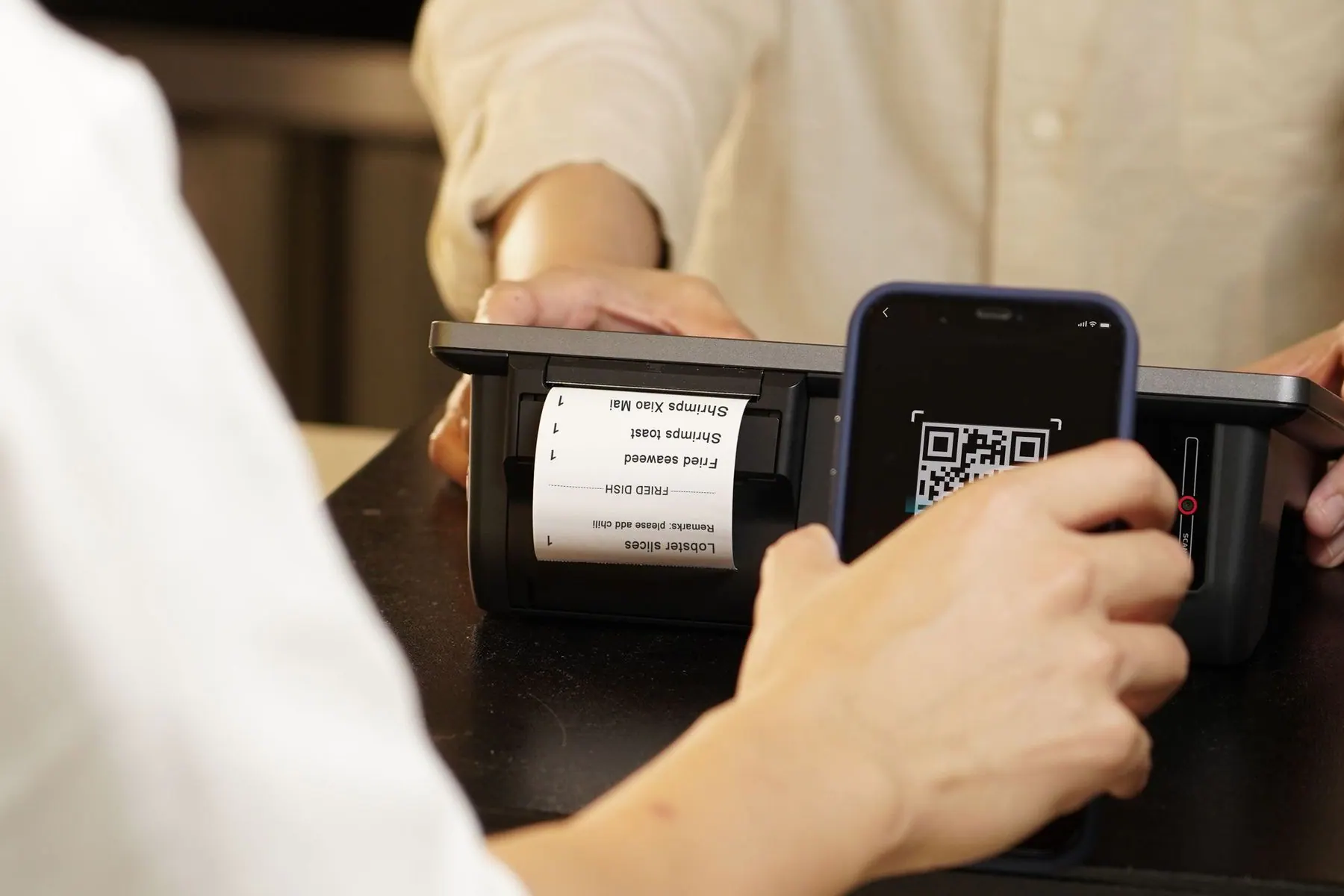
Payment guide
How to Use Alipay in China as a Tourist
A tourist-focused Alipay setup guide covering cards, QR codes, ride-hailing, restaurants, small purchases, limits, and backup payment habits.
Last updated: July 13, 2026
Payment guidance last verified: July 13, 2026
4 min read
Important notice
Alipay screens, verification, supported cards and limits can change by account and card issuer. Do not use screenshots in this article as interface instructions; confirm the current flow in the official app.
Quick answer
Tourists should set up Alipay before departure, add at least one international card, keep mobile data active, and test a small purchase on day one. Use Alipay as your main payment tool, but keep WeChat Pay, a physical card, and some RMB cash as backups.
Who this guide is for
- Tourists who want Alipay ready before their first meal, taxi, metro ride, or convenience store purchase.
- Visitors using international cards who understand setup may vary by bank, phone number, country, and current app rules.
- Travelers who want a primary wallet but still need backup payment options.
What to prepare before setup
Linking an international card
Card linking may work for many visitors, but it is not certain. Treat card linking as a setup step to test, not as proof that every merchant payment will succeed.
First payment test
What to use Alipay for
What not to rely on
Step-by-step guide
- Install Alipay before travel and complete as much account setup as the app allows.
- Add your main card and a backup card from a different bank if possible.
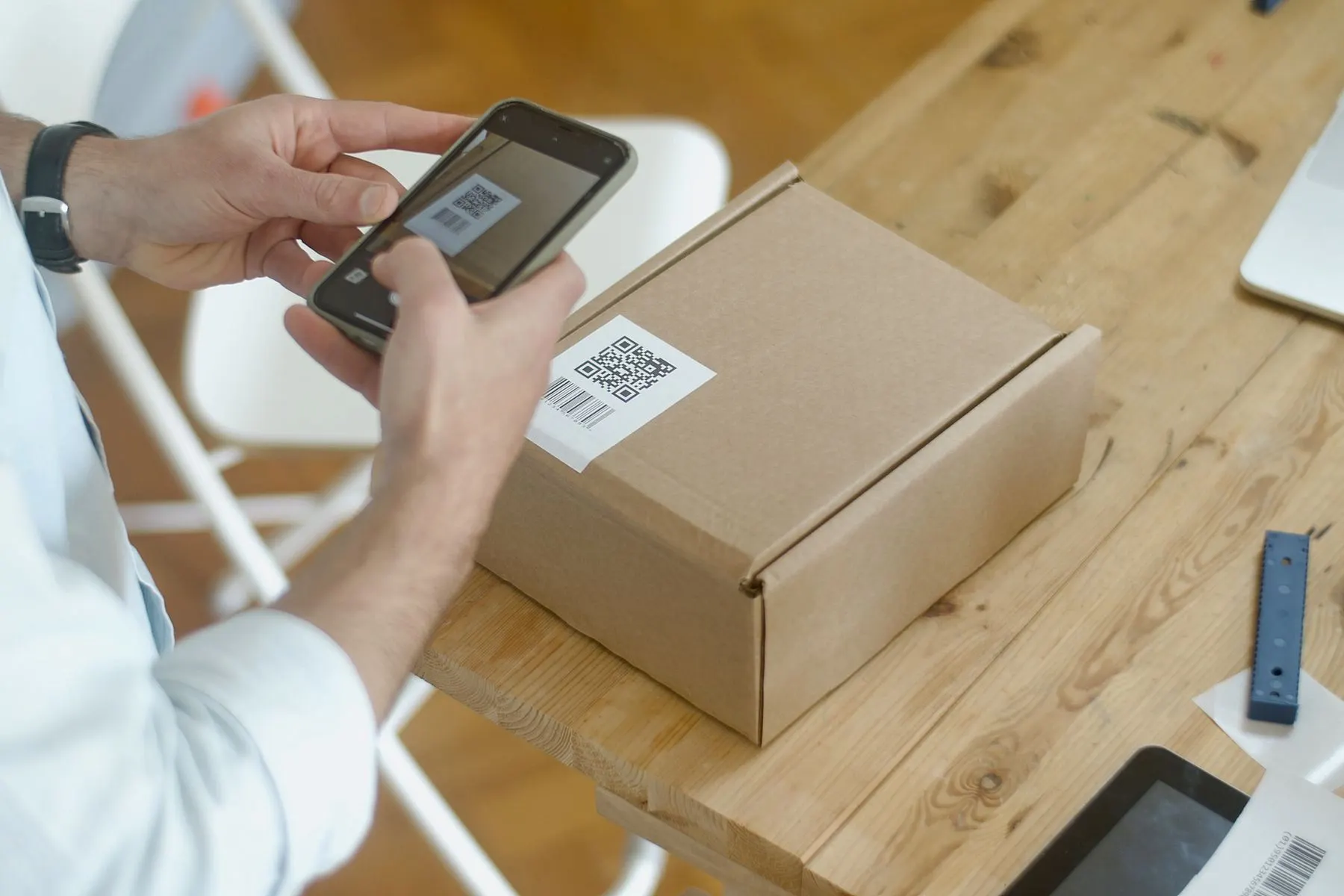
- Learn the two QR flows: scan the merchant QR, or show your payment code for the cashier to scan.
- Test a small convenience store or cafe purchase before using Alipay for taxis or restaurants.
- Use Alipay for ride-hailing or local services only after basic payment works.
- Keep cash for late arrivals, data problems, or card issuer blocks.
Common mistakes
- Waiting until the first meal to set up Alipay.
- Adding only one card and having no backup.
- Confusing receive-money QR codes with payment codes.
- Trying repeated payments on weak data instead of stepping aside.
- Assuming a hotel card deposit can always be paid through Alipay.
Troubleshooting
- If the card fails, try another card and check your bank's security alerts.
- If merchant QR scanning fails, ask whether the cashier can scan your payment code.
- If Alipay asks for verification, move to stable Wi-Fi before retrying.
- If a taxi payment fails, use cash or hotel help instead of troubleshooting in traffic.
Backup plan
- Use WeChat Pay as a backup if setup works for your account.
- Keep a small amount of RMB cash for arrival day, taxis, weak data, and urgent purchases.
- Carry the physical card linked to your booking for hotels, deposits, and larger merchants.
- Ask hotel staff for help if payment, taxi, or address problems are blocking the next step.
Useful Chinese phrases
Can I pay with Alipay?
我可以用支付宝支付吗?
Wo keyi yong Zhifubao zhifu ma?
The payment failed.
支付失败了。
Zhifu shibai le.
Could you scan my payment code?
您可以扫我的付款码吗?
Nin keyi sao wo de fukuanma ma?
First-day checklist
- Alipay opens successfully.
- One main card and one backup are added if possible.
- Payment code is easy to find.
- Small RMB cash backup is available.
- Hotel address saved in Chinese.
Why Alipay should be your first setup
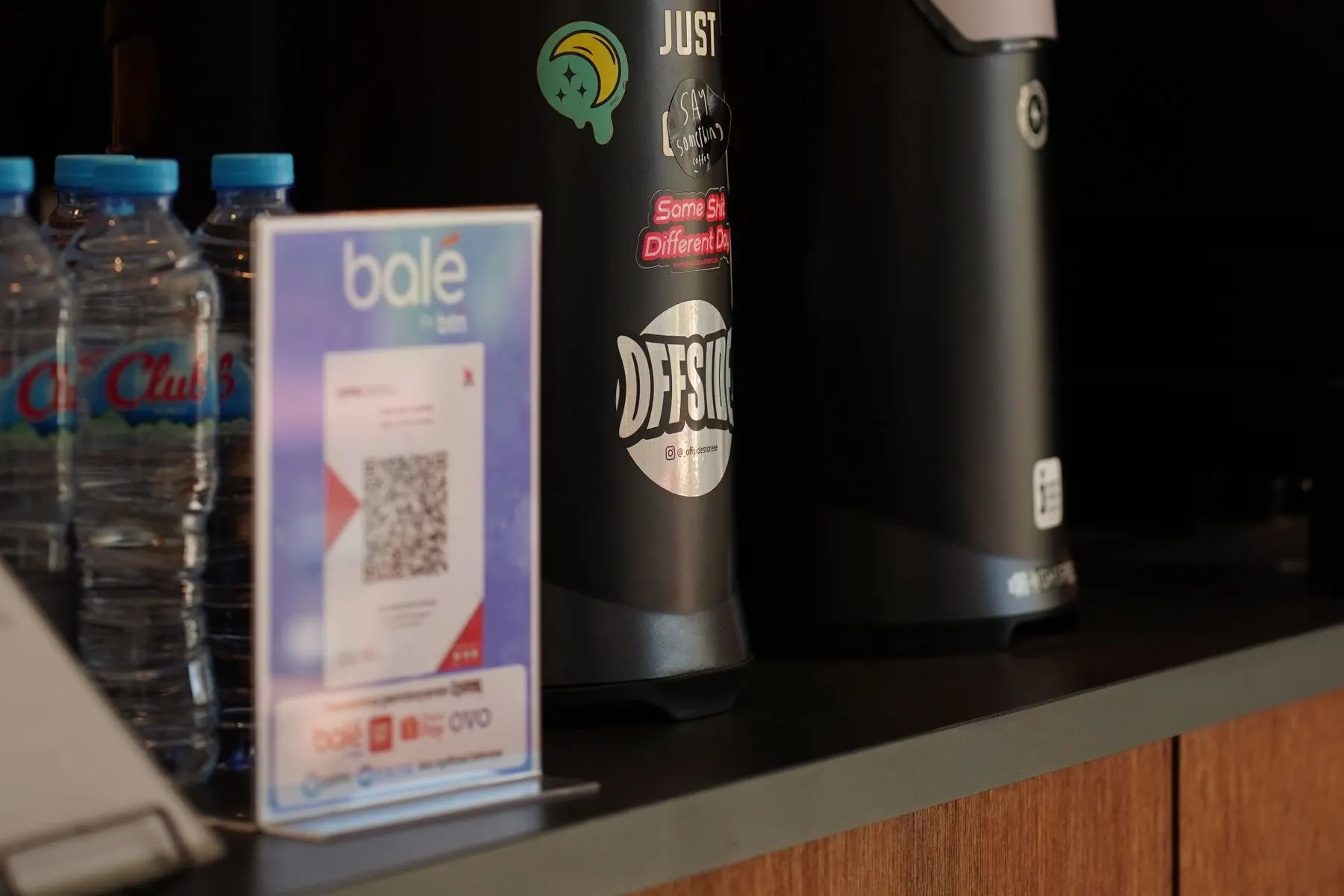
Alipay is often the easiest travel-first wallet for foreign visitors. It can help with everyday QR payments, ride-hailing, small shops, restaurants, and some local travel services. Set it up before departure, then test a small purchase on your first day.
How QR payment works
You may scan a merchant QR code and enter the amount, or show your payment code so the cashier can scan you. Learn both patterns before using Alipay for taxis, restaurants, or station food.
- Add one main card and one backup card if possible.
- Keep mobile data active when paying.
- Carry cash for arrival-day or card issuer problems.
When Alipay fails
Most problems come from card issuer security, weak data, verification prompts, or a merchant setup that does not accept foreign-linked wallets smoothly. Step aside, try a backup card or cash, and solve account issues later on stable Wi-Fi.
Official resources to verify
Next step
Turn this guide into a working trip plan
View the Payment & Apps Setup Guide
Get printable Alipay, WeChat Pay, payment backup, and phrase card pages.
Compare Free vs Paid
See what is included in the free checklist and the $7 setup guide.