Internet & eSIM guide
China eSIM Guide for Tourists
How to prepare mobile data, eSIM, roaming, Wi-Fi, offline screenshots, and app access before your first arrival day in China.
Last updated: July 13, 2026
Connectivity guidance last verified: July 13, 2026
4 min read
Important notice
eSIM activation, roaming routes, mainland coverage and access to specific foreign services vary by phone and provider. Confirm device compatibility and current coverage before purchase; no provider, app or VPN is guaranteed to work everywhere.
Quick answer
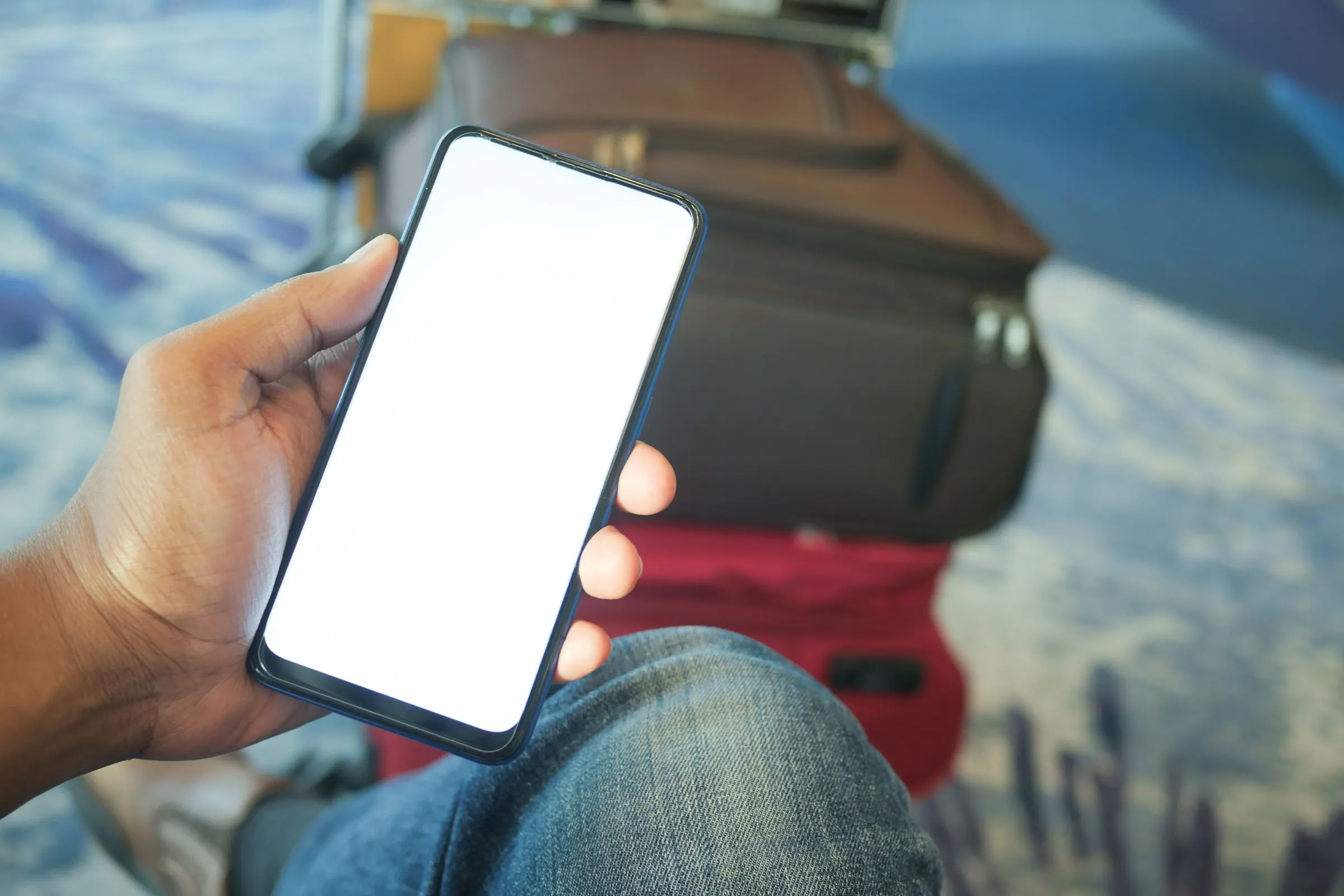
For a first China trip, choose your mobile data plan before you fly and prepare offline backups even if you expect data to work. Your phone is not just for messaging; it is your payment wallet, map, translator, hotel address card, train folder, and emergency backup. The safest setup is one primary data option, one backup way to reach Wi-Fi, and a screenshot folder that works without signal.
Step-by-step guide
- Check whether your phone supports eSIM and whether your home carrier roaming plan works in mainland China at a price you can accept.
- Choose one primary data option: international roaming, a travel eSIM, a local SIM, or pocket Wi-Fi. For short first trips, roaming or an eSIM is usually the least complicated.
- Install and activate anything that can be prepared before departure. Do not leave account login, QR scanning, or plan activation for the airport arrival hall unless the provider requires it.
- Download offline Chinese translation packs and save hotel addresses, train details, attraction reservations, flight information, insurance, and emergency contacts as screenshots.
- Before leaving the airport or railway station, test payment apps, maps, translation, and ride-hailing. If one tool does not load, solve it while you still have public Wi-Fi and staff nearby.
- Keep a paper or offline copy of your first hotel address in Chinese. If data fails completely, this is the detail that gets you safely to your base.
Common mistakes
- Assuming airport Wi-Fi will be enough for the first transfer. It may help at the terminal, but it will not help inside a taxi or while walking to a pickup point.
- Buying an eSIM without checking phone compatibility or whether the plan supports the mainland China apps and access you need.
- Saving travel details only inside email, booking apps, or cloud storage that may require data or a fresh login.
- Waiting until arrival to receive SMS codes for payment, maps, or ride-hailing apps.
- Letting one low phone battery threaten payment, translation, and navigation at the same time.
Troubleshooting
- If your eSIM does not connect, toggle airplane mode, check whether data roaming is enabled for that line, and confirm the plan is active for mainland China.
- If payment apps open slowly on weak data, move out of basement levels, connect to hotel or airport Wi-Fi, or use cash for the immediate purchase.
- If maps cannot find a place in English, paste the Chinese name or address from your saved notes.
- If ride-hailing pickup points are confusing, move to a hotel entrance, airport zone, mall gate, or station exit with a clear name.
- If your phone battery drops, stop using video, social apps, and photo uploads until payment and navigation are secure.
First-day checklist
- Primary data option chosen and tested where possible.
- Offline translation pack downloaded.
- Hotel address saved in Chinese and English.
- Payment, maps, ride-hailing, and train confirmations screenshotted.
- Power bank charged and cable easy to reach.
- Emergency contacts available without cloud login.
Choose your data plan before landing
Your phone will carry payment, maps, translation, hotel addresses, train details, and ride-hailing. Decide before departure whether you will use roaming, a travel eSIM, a local SIM, or pocket Wi-Fi so you are not solving connectivity while tired in the arrival hall.
- Roaming is simple if your home plan is affordable and reliable.
- An eSIM can be convenient if your phone supports it and the plan works in mainland China.
- A local SIM can be useful for longer stays but may require passport registration and setup time.
Prepare offline backups
Even with a good data plan, stations, basements, hotels, and busy pickup zones can have weak signal. Save your hotel address in Chinese, passport copy, flight details, train confirmations, attraction reservations, and payment backup notes as screenshots.
Arrival-day setup
Before leaving the airport or station, check that maps load, translation works, payment apps open, and ride-hailing can find your hotel. If anything fails, use airport Wi-Fi, hotel staff, or your screenshot folder instead of improvising during a taxi pickup.