Payment guide
How to Use Alipay and WeChat Pay in China
How QR payments work, when to scan, when to show your code, and how to keep a backup ready.
Last updated: July 13, 2026
Payment guidance last verified: July 13, 2026
4 min read

Important notice
Wallet interfaces, card support and verification can change. Use this guide to understand the two QR payment patterns, then confirm the current setup inside the official Alipay and WeChat apps.
Quick answer
Use Alipay as your main first-trip wallet, set up WeChat Pay as a backup if it works for your account, and learn the two QR payment flows: sometimes you scan the merchant's QR code, and sometimes the merchant scans your payment code. Keep cash and a physical card available because app verification, data, or card issuer checks can still interrupt a payment.
Step-by-step guide
- Install Alipay and WeChat before you fly, then log in while you still have stable access to SMS, email, and your card issuer.
- Add an international card to Alipay first. Add a second card if possible so one issuer block does not stop the whole day.
- Try WeChat Pay as a backup. It may be useful for mini programs, local contacts, and some merchant flows.
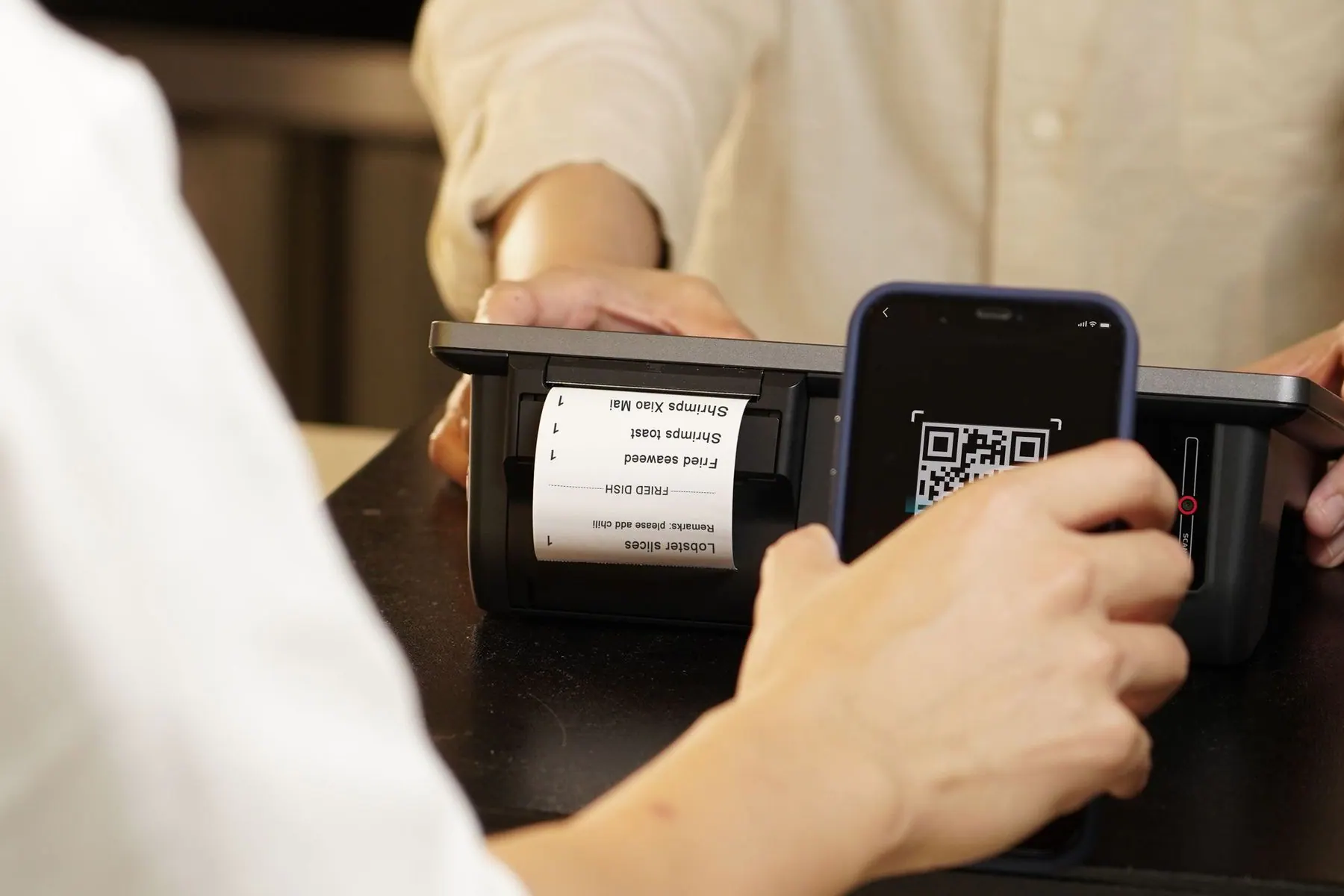
- Learn the two checkout patterns: scan a printed merchant QR code and enter the amount, or open your payment code so the cashier can scan you.
- Make one small test purchase at a convenience store or cafe before using the apps for taxis, restaurants, or train station food.
- Keep your phone charged and mobile data working. In China, the same phone often handles payment, map, translation, and ride-hailing at once.
Common mistakes
- Waiting until checkout to discover the app is not verified or the card was not added correctly.
- Showing the wrong QR code at a cashier. Your receive-money code is not the same as your pay code.
- Trying only one payment flow. If scanning the merchant QR fails, ask whether the cashier can scan your payment code.
- Using WeChat Pay as the only plan before confirming it works with your account and card.
- Forgetting a cash backup for taxis, late arrivals, or temporary app issues.
Troubleshooting
- If a card payment fails, try a different card, then check whether your bank sent a security alert.
- If a merchant QR fails, switch to the cashier-scans-you flow if possible.
- If mobile data is weak, step aside and connect to Wi-Fi instead of repeatedly retrying at the counter.
- If your app asks for identity or card verification again, fix it later on stable Wi-Fi unless the purchase is urgent.
- If a taxi payment fails, use cash or ask your hotel for help rather than blocking the driver while troubleshooting.
First-day checklist
- Alipay opens successfully.
- At least one card is linked.
- WeChat Pay tested if available.
- Payment code and scan button are easy to find.
- Small RMB cash backup is in your wallet.
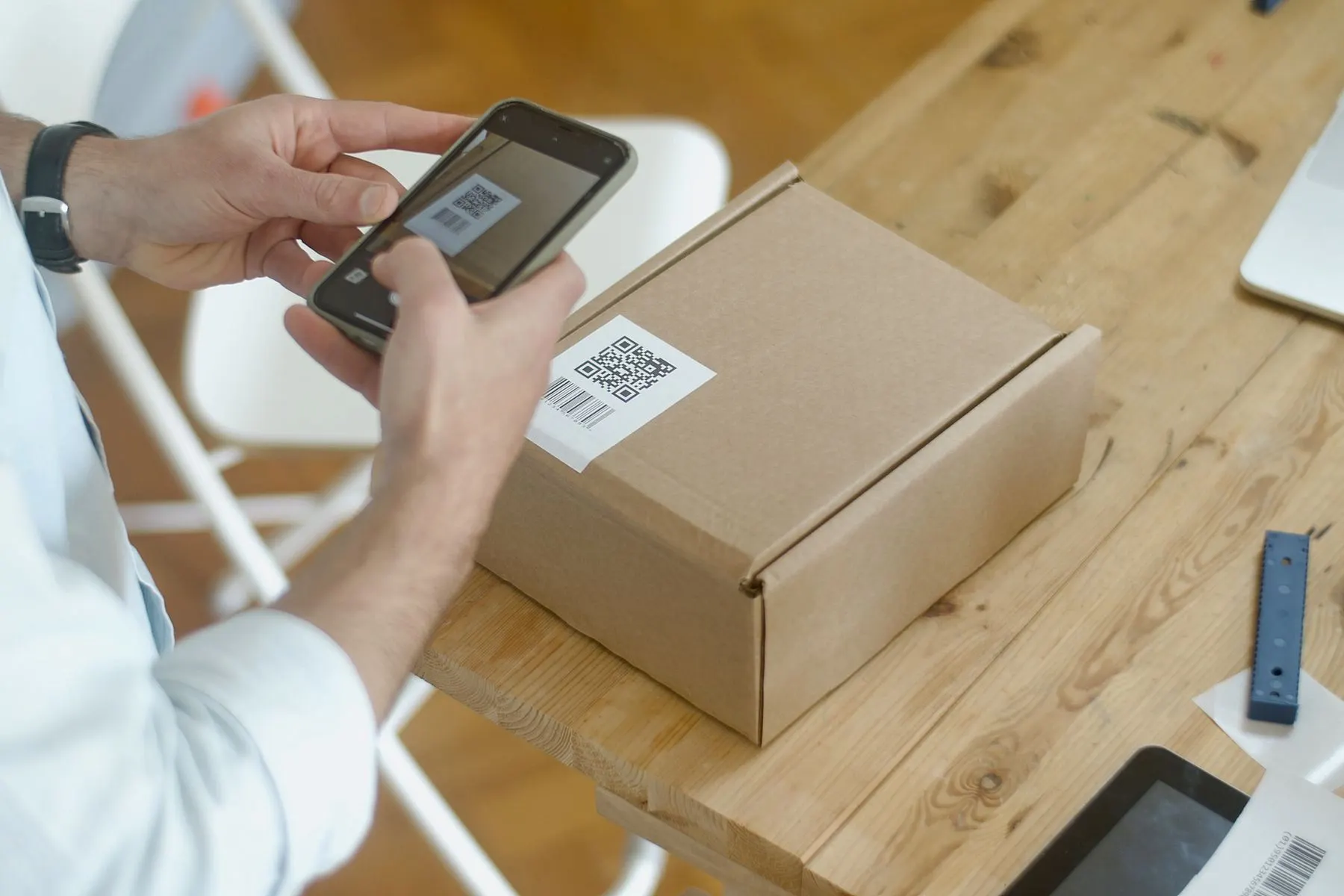
Two QR payment patterns
In China, you either scan the merchant's QR code and enter the amount, or the merchant scans your payment code. Restaurants and taxis may use either pattern, so watch what local customers do or show your payment app.
Using wallets for travel
Alipay and WeChat can also help with ride-hailing, metro access in some cities, mini programs, attraction tickets, and food ordering. For a first trip, focus on paying and ride-hailing before exploring every extra feature.
Backup habits
Keep both apps installed if possible, carry a physical card, and keep a small amount of cash. If a payment fails, do not panic; most merchants are used to travelers needing a second attempt.